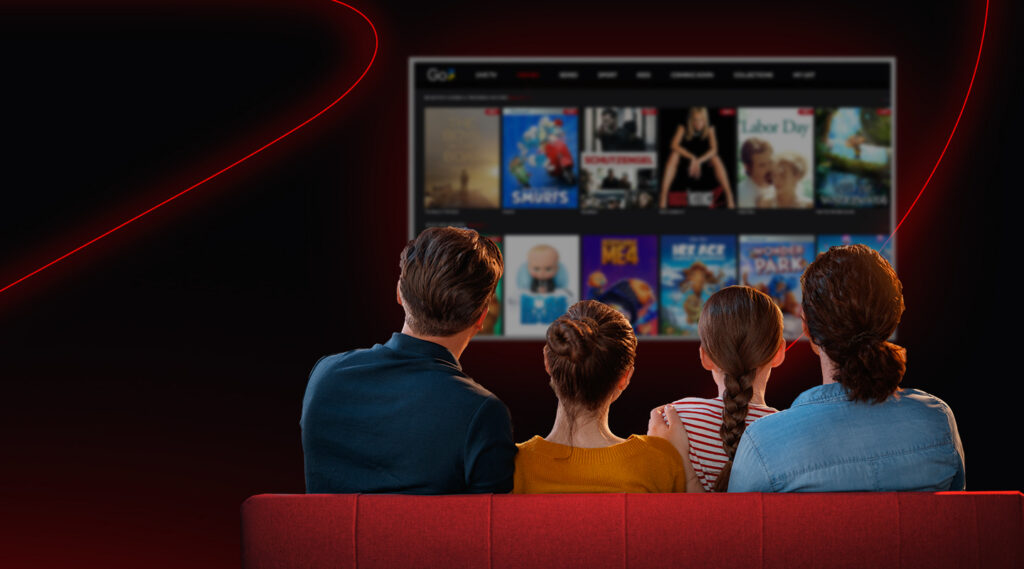

Go3 is one of the most popular streaming platforms in the Baltics with a wide range of content – from live TV channels and movies to series, sports, and kids’ shows. Alongside great content, we aim to make your experience smooth and easy. We often hear questions from users about how Go3 works, what you need to use it, how to manage your account, and how to solve some common issues. Below, we answer those questions in a clear and simple way so you can enjoy Go3 without confusion.
1. What is Go3 and What Does It Offer?
Go3 is a large video content platform available in the Baltic States. It includes thousands of hours of films, series, live TV channels, and sports. You can find local content, popular foreign titles, and live broadcasts all in one place. The platform also provides information about pricing, content plans, and additional services like HBO Max, Netflix and Extra Sports.
2. How Do I Set Up and Use My Go3 Account?
Using Go3 begins with creating an account. You can register directly through Go3 or sign up via our partners such as Bitė, Tele2, Home3, Init, Plius.TV, or Balticum. Once your account is active, you can log in on different devices such as phones, tablets, computers, and Smart TVs. Please note that account management (self-service) is available only on the Go3 website. That’s where you can update personal information, change your PIN code, link a TV device, or manage your plan. These self-service options help you stay in control of your subscription and settings.
3. What Are the Technical Requirements for Go3?
To get the best streaming experience, make sure your device and internet meet the technical conditions. For example, your browser may need to be up to date, and your TV or mobile device should support the Go3 app. A stable internet connection is also important so you can enjoy HD content without interruptions. Different devices have specific requirements:
- Computers need a recent browser version and supported operating system.
- Mobile devices must run supported versions of Android or iOS to install and use the app.
- Smart TVs must support compatible software systems like Tizen, webOS, or Android TV to run the Go3 application.
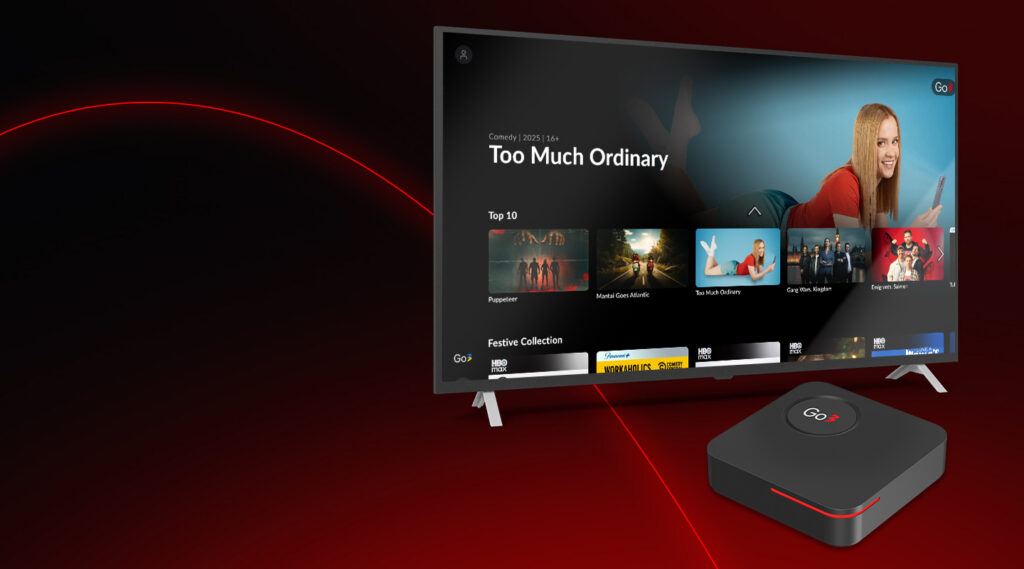
If your TV does not support the Go3 app, we also offer set-top boxes that can be connected to your TV screen.
4. How Many Devices Can Be Used with One Account?
Go3 allows you to have your account logged in on up to five different devices. This means you can log in on your phone, tablet, computer, and TV at the same time. However, you can watch content on two devices simultaneously.
5. What Internet Speed Do I Need?
Internet speed affects how smoothly you can stream content. Go3 works with a minimum internet speed of 1.5 Mbps, but for a stable experience – especially with high-definition video – a faster connection is recommended. The platform automatically adjusts video quality based on your internet speed, so you get the best possible picture without pauses.
6. How Do Error Messages Work on Go3?
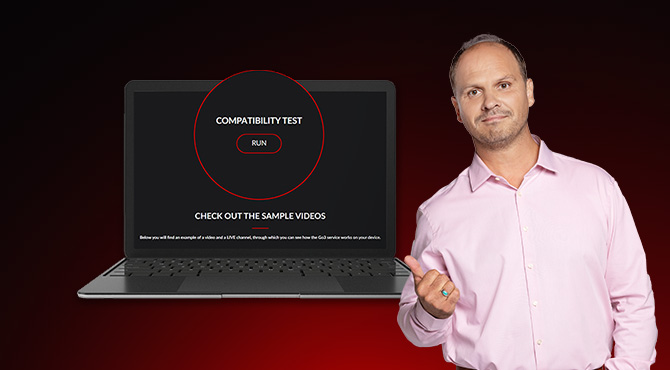
Sometimes you may see error messages while using Go3. These notifications help explain what went wrong and how to fix it. For example, messages can appear if your login fails, your app needs an update, or an incorrect code is entered during registration. Restarting the app or device often helps, and there are specific steps you can follow for each type of error. If challenges continue, taking a screenshot of the error with the code can help our support team assist you faster.
7. On Which Screens Can I Watch Go3?
Go3 is designed to work on many devices:
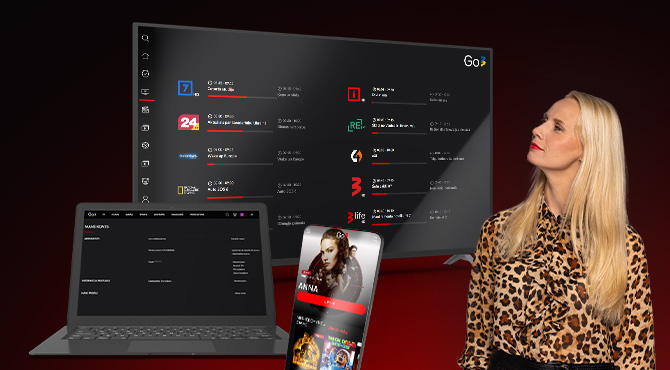
- On phones and tablets, you can watch Go3 through a browser or download the Go3 mobile app, which offers more functionality, such as the ability to download content.
- On computers, you can watch through a browser.
- On Smart TVs, you install the Go3 app if your TV supports it.
If your TV doesn’t support the Go3 app, another option is to use a compatible Android set-top-box that allows Go3 to run smoothly on older or unsupported TVs.
8. How Do I Manage My Subscription and Payments?
Questions about subscriptions, pricing, or changing your plan are some of the most common. Here it’s important to know how your Go3 service was purchased, because subscription changes work differently for different users.
If you purchased Go3 directly, you can manage your subscription and payments yourself through the Go3 website. There you can change your plan, update payment details, or cancel your subscription. If you have a long-term contract and the change you need is not available online, you should contact our customer support team.
If you purchased Go3 through one of our partners, subscription and payment changes must be handled through that partner. In that case, you should contact your provider directly: Bitė, Tele2, Home3, Init, Plius.TV, or Balticum.
For payment questions, you can see your invoice history in your account portal, and invoices are sent via email if you’ve selected that option.
9. How Can I Stay Informed and Receive Updates?
Go3 also offers ways to stay informed through notifications. You can choose which messages you want to receive so you don’t miss updates, new releases, or special offers. If you change your mind, these settings can be adjusted easily in your profile.
10. Where to Get Help If You Need It
Even with clear answers available, sometimes you may need more help. Go3 offers multiple ways to get support:
- You can reach out through the Contact page on our website: https://go3.lt/contact.
- Live chat is available on the website.
- If you signed up through a partner (like Home3, Bitė, Tele2, Init, Plius.TV, or Balticum), contacting them directly can be faster for support.
Simple Answers, Better Viewing
Go3 is built to make streaming easy and enjoyable. By knowing the basics – how to set up your account, what technical needs are required, how to watch on different devices, and where to find support – you can focus on doing what matters most: enjoying great content anytime you want. Whether it’s live TV shows, movies, series, or sports, Go3 brings it all together in one place for you to explore.
If you still have questions or need more detailed guidance, you can always find clear and up-to-date information in the Go3 Help Center at https://pagalba.go3.lt/.